
Your software, on screens in your brand's world
AI image models redraw interfaces and invent numbers, so a generated dashboard never matches your product. With the Screen Staging add-on, Brand Asset shows your real screenshots on laptops and other devices in scenes shaped by your Brand Guide.
How it works
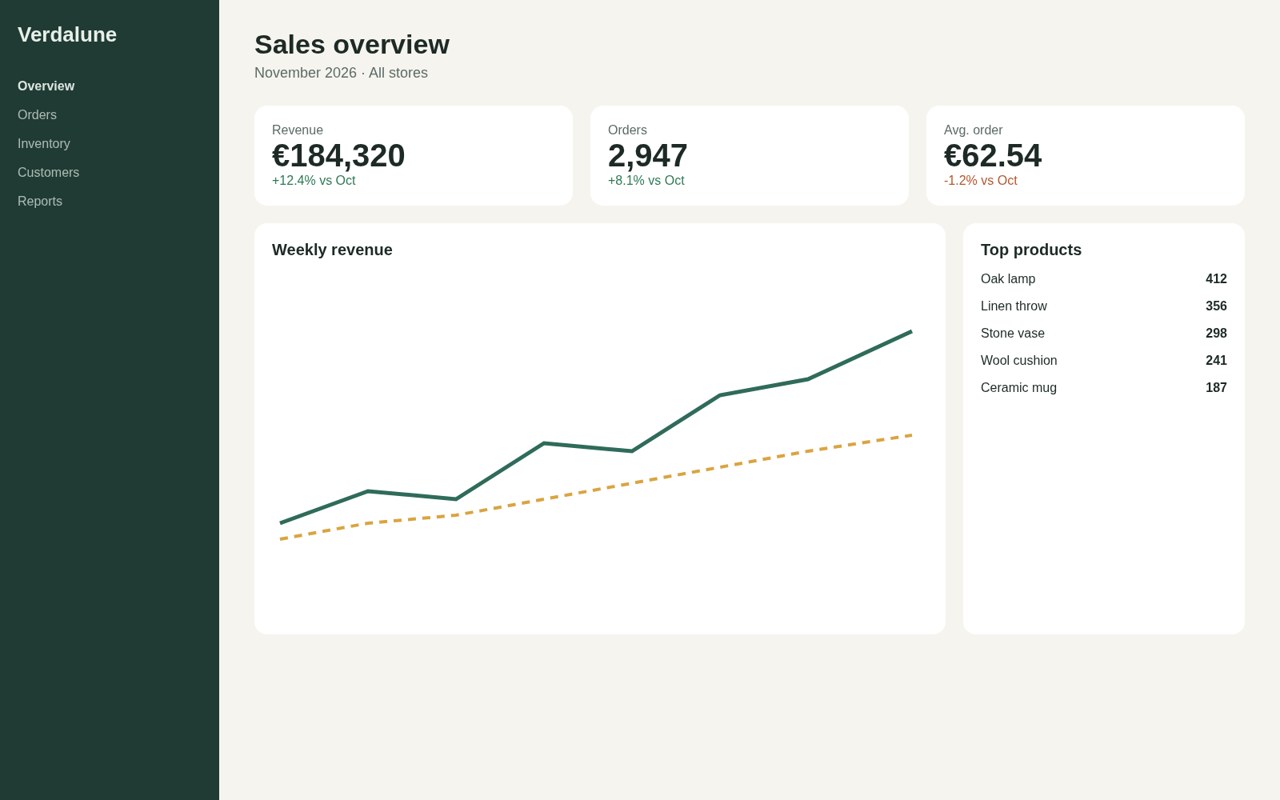
Start from your real screenshot
Upload a dashboard, app view or checkout screen as PNG or JPG. Company Admins keep a named, versioned library; creators can also use their own uploads.
A scene from your Brand Guide
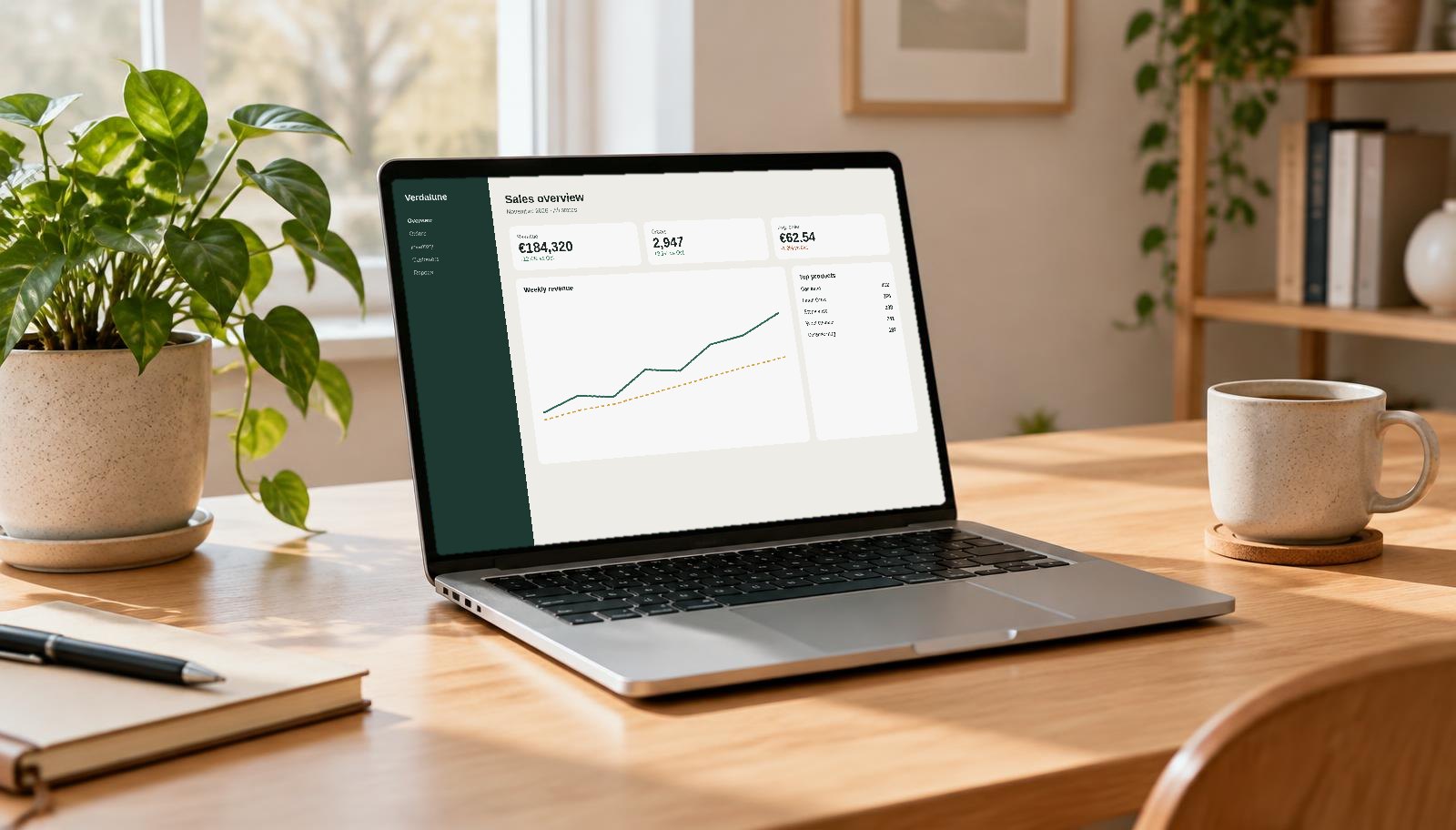
The AI builds the room, the device and the light from your colours, composition and do's and don'ts, with an empty display.
Fitted in perspective
Your original screenshot is mounted onto the display, straight on or at an angle. The interface is never redrawn, so text and numbers stay exact.
Review before use
Results get the same compliance score, editing, export and approval as every other image. Screen light and reflections can be adjusted separately.
From screenshot to scene
Devices
Laptop is the verified device. Monitor, TV, tablet, phone and POS are available in Beta. Tablets and phones follow your screenshot: a tall screenshot gives an upright device, a wide one a landscape device.
With a person in the picture
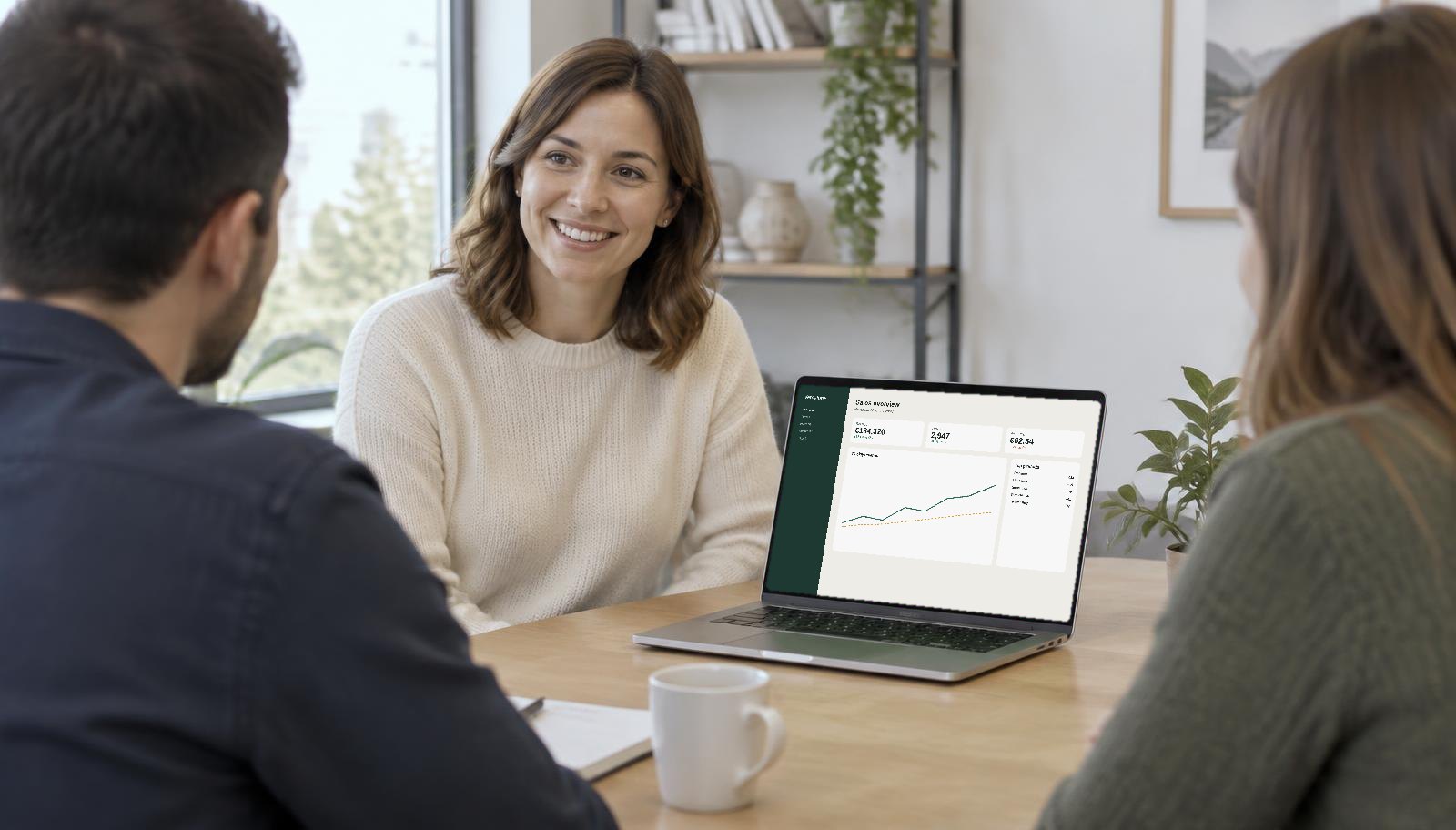
Combine Screen Staging with Person Staging to show, for example, a colleague presenting your dashboard to clients. The person never covers or touches the screen, and their consent is checked as for every other image.
Pricing
Screen Staging is a staging add-on included in every plan with add-ons: Base + 1 add-on €165, Base + 2 add-ons €239 or Base + 3 add-ons €259 per month, billed annually. Every result needs review before use.
See how Brand Asset works or read about AI brand compliance.